
Scanning cards
Best Pokémon card scanner app in 2026: a buyer's checklist
The best Pokémon card scanner app is the one that names the exact print in your hand (set, number and version) and shows a price from a clear source that updates often. Use this checklist to test any scanner with your own cards, then see how Foilmon covers each point.
What makes a scanner app good
A card scanner has one job before anything else: name the exact print you are holding. "Charizard" is not an answer; the set, the number and the version are. Everything else (prices, collection value, graded estimates) is only as good as that first match. Here is what to check, in order of importance.
1. Recognition accuracy
Apps that recognise the artwork can identify a card even when the name is hard to read or printed in another language. Don't judge a scanner on a clean, flat common. Test it on the cards that cause trouble: a worn vintage card, a holo that throws glare, a full art where the illustration covers the whole card, a card in a sleeve and two cards of the same Pokémon from different sets. A good scanner gets most of them right on the first try and, when it is unsure, shows you the likely alternatives instead of a confident wrong answer.
2. The exact version
The same card can sell for very different amounts depending on the version: 1st Edition or Unlimited, Holo or Reverse Holo. The app should let you choose the version and show the price for that version, not one blended number for every print.
3. Japanese cards
Japanese sets come out first, and plenty of collectors outside Japan buy them. If you own any, check that the scanner recognises Japanese prints and prices them as Japanese cards rather than as their English twins, which often sell for a different amount. Our guide to Japanese vs English cards explains why.
4. Price sources and how often they update
Ask where the number comes from and how old it is. TCGplayer is the big US marketplace and Cardmarket the big European one, and the same card can sell for different amounts on each. Look for named sources, a clear update rhythm (daily is the standard worth asking for) and price history, so you can see whether a card is rising or falling. A single number with no source and no date is not enough to buy or sell on. Our methodology page shows how we collect the prices on this site.
5. Graded values
A top-graded copy can be worth many times a raw one. If you are thinking about grading, an app that shows estimates for graded copies (PSA, BGS, CGC) next to the raw price helps you decide whether the fee makes sense. Our guide on whether to grade a card goes deeper.
6. Collection tracking
Scanning is only the start. Check whether the app adds up the value of your collection, shows how it changes day by day, and lets you organise binders, a wishlist and set completion. That is what turns a price checker into a tool you open every week.
7. Batch scanning
If you have more than a few dozen cards, scanning one at a time gets old fast. Batch scanning lets you show cards one after another and add them all at once.
8. Offline use
Card shows and conventions often have poor signal. Find out what the app can do without a connection before you rely on it there. Prices are a separate question: any app that updates prices needs a connection to show today's numbers.
9. More than one TCG
Many collectors don't stop at Pokémon. If you also have One Piece, Magic: The Gathering, Yu-Gi-Oh! or Disney Lorcana cards, one app for all of them saves a lot of switching.
10. Currencies
Prices in dollars are not much help if you buy and sell in euros, pounds or yen. Check that the app shows your currency.
11. Privacy
A scanner needs your camera; it shouldn't need much more. Read the privacy section of the store listing, check whether an account is required and what happens to your photos, as you would for any app.
12. Clear pricing
Most scanner apps are free to download and charge for extra features. Before you subscribe to any of them, check what is included, the price shown in the store and how to cancel, which for store subscriptions is done from your App Store or Google Play account.
The checklist at a glance
| What to check | Why it matters | Foilmon |
|---|---|---|
| Recognition | Every price depends on the right match | Recognises cards from the camera by their artwork |
| Version | 1st Edition, Unlimited, Holo and Reverse Holo sell at different prices | You choose 1st Edition, Unlimited, Holo or Reverse Holo |
| Japanese cards | Japanese prints are priced differently from English ones | Pokémon cards in English and Japanese |
| Price sources | You need to know where the number comes from and how fresh it is | TCGplayer and Cardmarket, updated daily, with price history |
| Graded values | Helps you decide whether grading is worth it | Estimates for PSA, BGS and CGC |
| Collection | Shows what you own and how it changes | Total value with daily change, binders, wishlist and set completion |
| Batch scanning | Saves time with binders and boxes | Batch scanning of many cards in a row |
| Offline | Card shows often have poor signal | Prices update daily, so a connection is needed to see the latest ones |
| Other TCGs | One app for a mixed collection | Also One Piece, Magic: The Gathering, Yu-Gi-Oh! and Disney Lorcana |
| Currencies | Prices in the money you actually use | USD, EUR, GBP, JPY and more |
| Privacy | Your camera and photos are involved | Uses the camera to recognise cards; see the privacy details on the store listing |
| Extras | Condition and market trends move value | AI grading check (centering, corners, edges, surface), market movers and price alerts |
| Cost | No surprises after you install | Free to download, with an optional PRO subscription for the full features |
How to test any scanner in ten minutes
- Pick five test cards: a worn vintage card, a reverse holo, a full art, a Japanese card and a card in a sleeve.
- Scan each one and compare the card number on screen with the number printed on the card.
- Check that you can switch to the right version and that the price changes with it.
- Look up one of the cards on a marketplace and compare the price and the date it was updated.
- Try batch scanning on one binder page and see how many cards need fixing afterwards.
- Open the collection screen and check that the total makes sense.
Whatever app you choose, a scan result is a price guide. Our guide how much is my Pokémon card worth explains how to turn it into a realistic value.
How Foilmon handles it
Foilmon (on Google Play and on the App Store, for iPhone and iPad) is an app by ISLAGAMES. Point the camera at a card and it is recognised from its artwork; you pick the version and see TCGplayer and Cardmarket prices, updated daily.
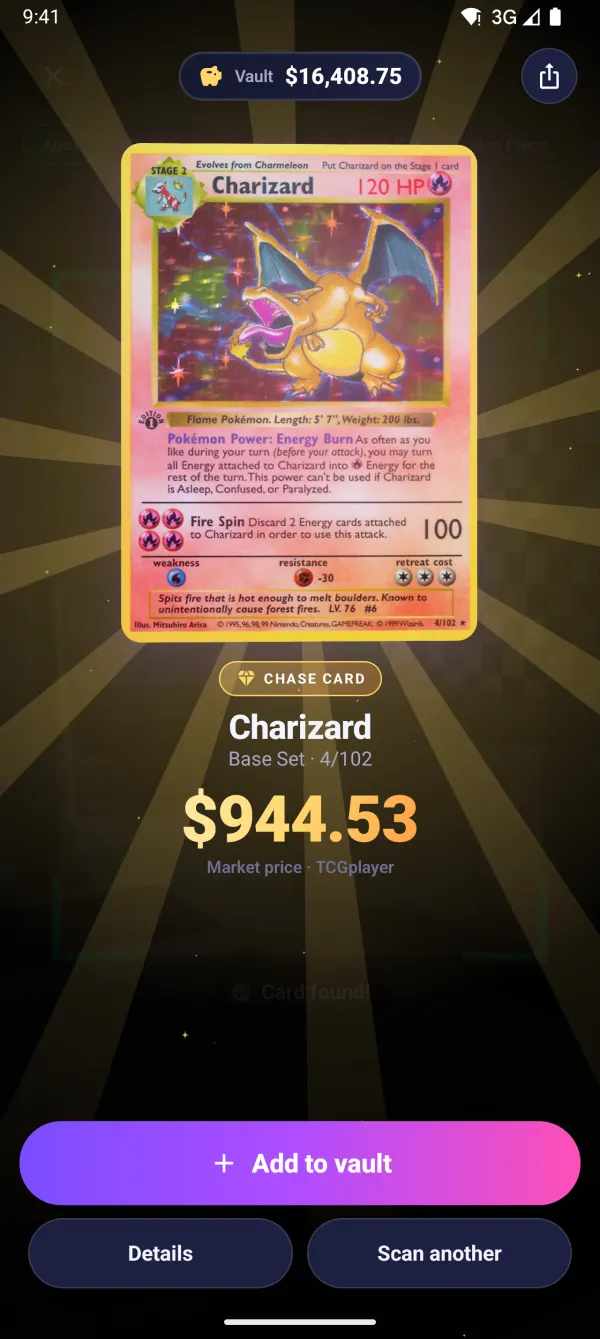
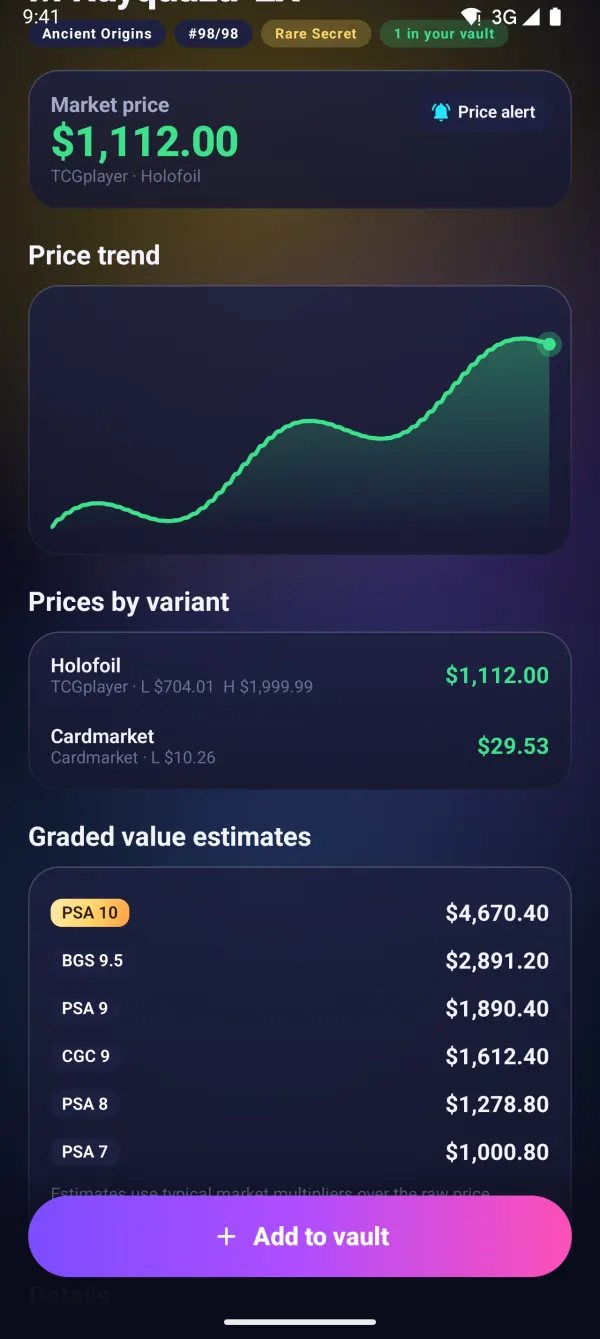
Open the card for its price history and graded value estimates for PSA, BGS and CGC.
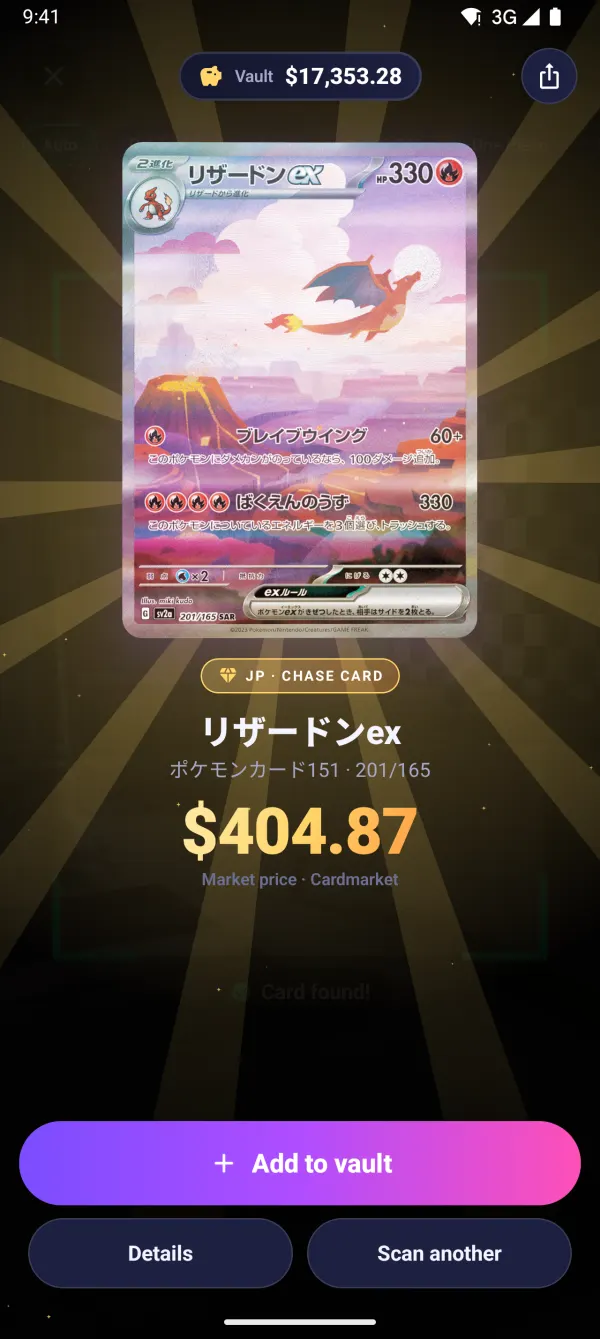
Japanese Pokémon cards are recognised by their artwork too, so you don't need to read Japanese.
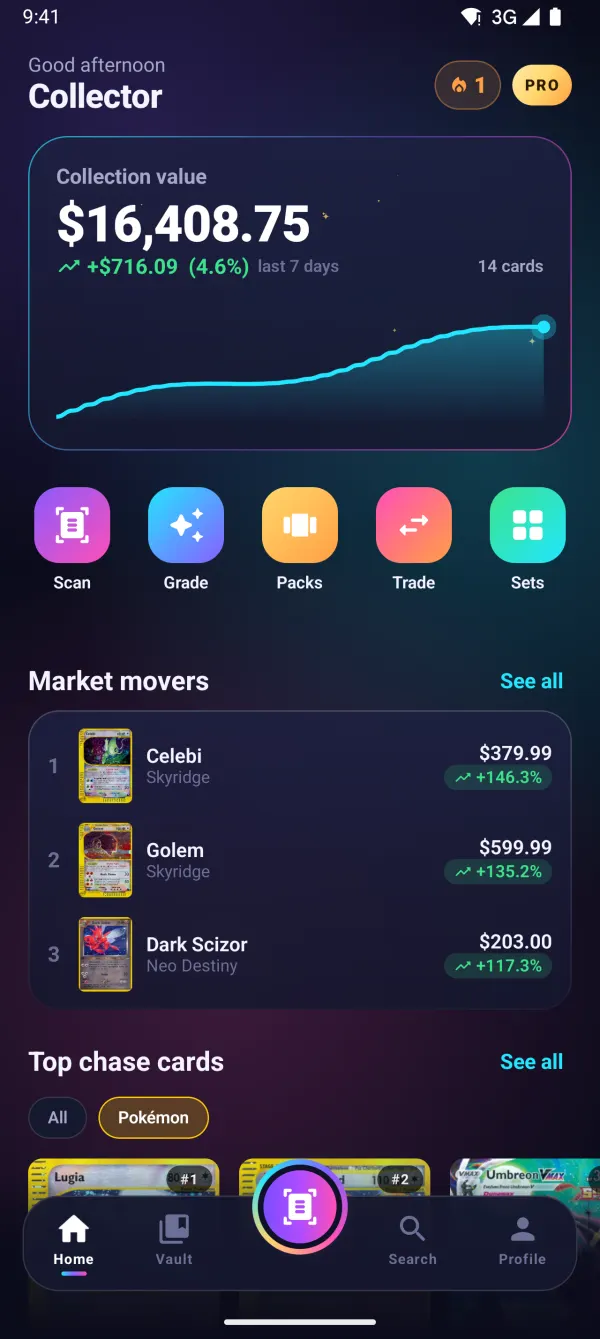
Every card you add counts towards your collection's value, with its daily change, binders, a wishlist and set completion. Batch scanning handles whole binders, market movers show which cards are rising or falling, and price alerts watch prices for you.
For the step-by-step version, read our guide on how to scan Pokémon cards, or look up any card in our card search before you install anything.
Frequently asked questions
What is the best Pokémon card scanner app?
The one that identifies the exact print and version, shows prices from named sources updated often, and tracks your collection. Test any app with a few tricky cards (a reverse holo, a worn card, a Japanese card) before you rely on it.
Are Pokémon card scanner apps accurate?
Artwork-based recognition gets most cards right, but reprints with the same art, very worn cards and strong glare can cause mistakes. Always compare the card number on screen with the one printed on your card.
Can scanner apps read Japanese Pokémon cards?
Some can. Foilmon recognises Japanese Pokémon cards by their artwork, so you don't need to read Japanese, and shows the Japanese print with its price.
Is there a free Pokémon card scanner app?
Most scanner apps are free to download and charge for extra features. Foilmon is free to download, with an optional PRO subscription for the full features; check what is included in the store before subscribing.
Do card scanner apps need an internet connection?
It depends on the app. Prices always need a connection to stay current, so check how the app behaves offline before you take it to a card show.
Related guides
Scanning cardsHow to scan Pokémon cards with your phone and see their valueHow to scan Pokémon cards with your phone and see their value: step by step, tips for holos and sleeves, Japanese cards and batch-scanning a binder.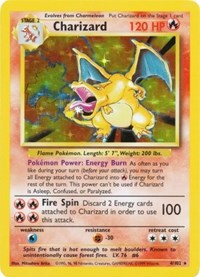 Card valuesHow much is my Pokémon card worth?How much is my Pokémon card worth? Identify the exact print, check its condition and compare recent sold prices, raw or graded, in a few minutes.Card valuesPokémon card prices explained: where the numbers come fromPokémon card prices explained: TCGplayer market price, Cardmarket trend, eBay sold listings and graded prices, and why the same card differs by region.
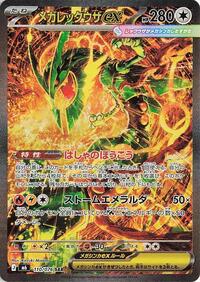 Japanese cardsJapanese vs English Pokémon cards: what actually differsJapanese vs English Pokémon cards: release timing, set sizes, 5-card packs, rarity names (AR, SAR, MUR), quality, prices and how to identify the set.