
One Piece, Lorcana, Magic & Yu-Gi-Oh!
How to scan Yu-Gi-Oh! and Magic cards with your phone
To scan Yu-Gi-Oh! and Magic: The Gathering cards with your phone, point the camera at the card so its name and its set code or collector number are sharp and readable. The Foilmon app reads them, finds the card and shows its TCGplayer and Cardmarket prices. Here is how to get a clean scan every time, foils and sleeved cards included.
How the app recognises Yu-Gi-Oh! and Magic cards
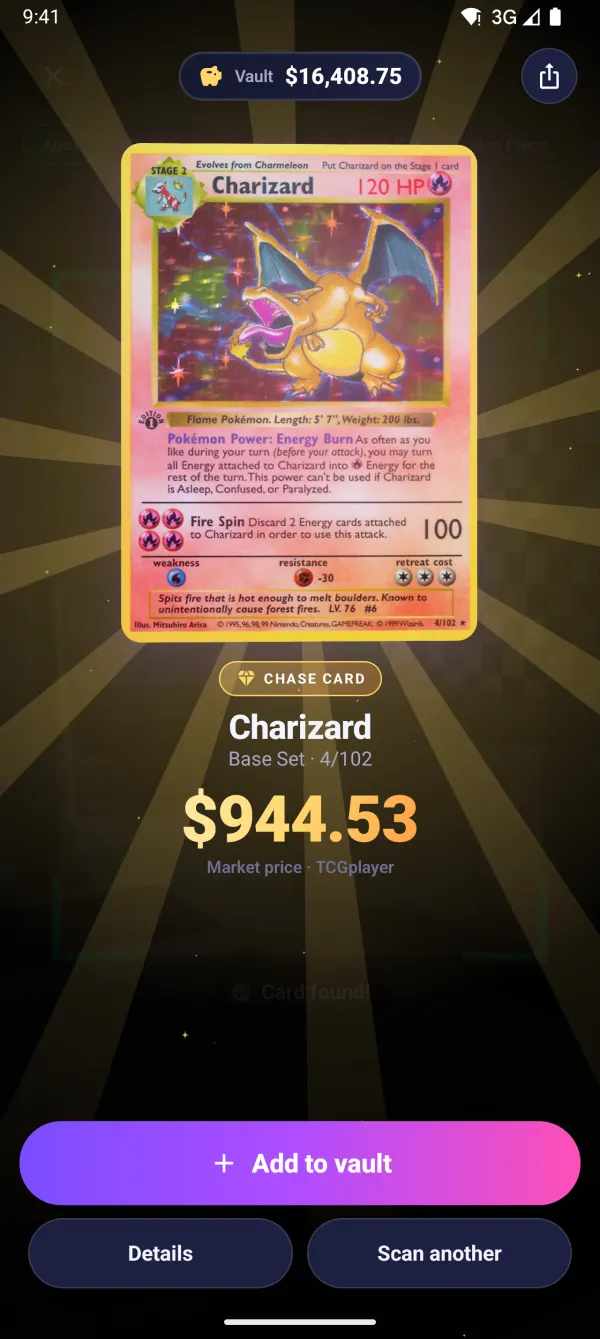
Foilmon is on Google Play and on the App Store, for iPhone and iPad, by ISLAGAMES. It is free to download, with an optional PRO subscription for the full features. Pokémon and One Piece cards are recognised from the camera by their artwork; Disney Lorcana, Magic: The Gathering and Yu-Gi-Oh! cards are recognised by reading the card's name and set number or code with the camera.
That changes what a good scan looks like. For Yu-Gi-Oh! and Magic, the camera does not need a perfect view of the artwork: it needs to read two small lines of text. Know where they are before you start:
- Yu-Gi-Oh!: the name runs across the top of the card, and the set code, such as LOB-EN001, is printed just below the artwork on the right. On Pendulum Monsters the code sits at the bottom left, next to ATK and DEF.
- Magic: The Gathering: the name is at the top left, and on modern cards the collector number and the three-character set code are in the small information line at the bottom left. The oldest cards have no collector number, so check the result against the expansion symbol and the frame.
Scan a card step by step
- Open the scanner and allow the camera. The app needs camera access to see your cards.
- Frame the whole card. Hold the phone above the card and parallel to it, so the card fills most of the frame and both the name and the code are inside it.
- Hold still for a moment. The small code at the bottom needs to be sharp. If the scanner doesn't lock on, improve the light, move a little closer or tap the capture button.
- Check the match. Compare the name, set and number on screen with the ones printed on your card.
- Choose the exact printing. A Yu-Gi-Oh! set code can exist in more than one rarity and as 1st Edition or Unlimited: Black Rose Dragon carries CSOC-EN039 both as a Ghost Rare and as an Ultimate Rare, at very different prices. A Magic card can be foil or non-foil, or a borderless or extended-art version. Pick the one in your hand.
- Read the price. You see TCGplayer and Cardmarket prices, updated daily, and the card's price history.
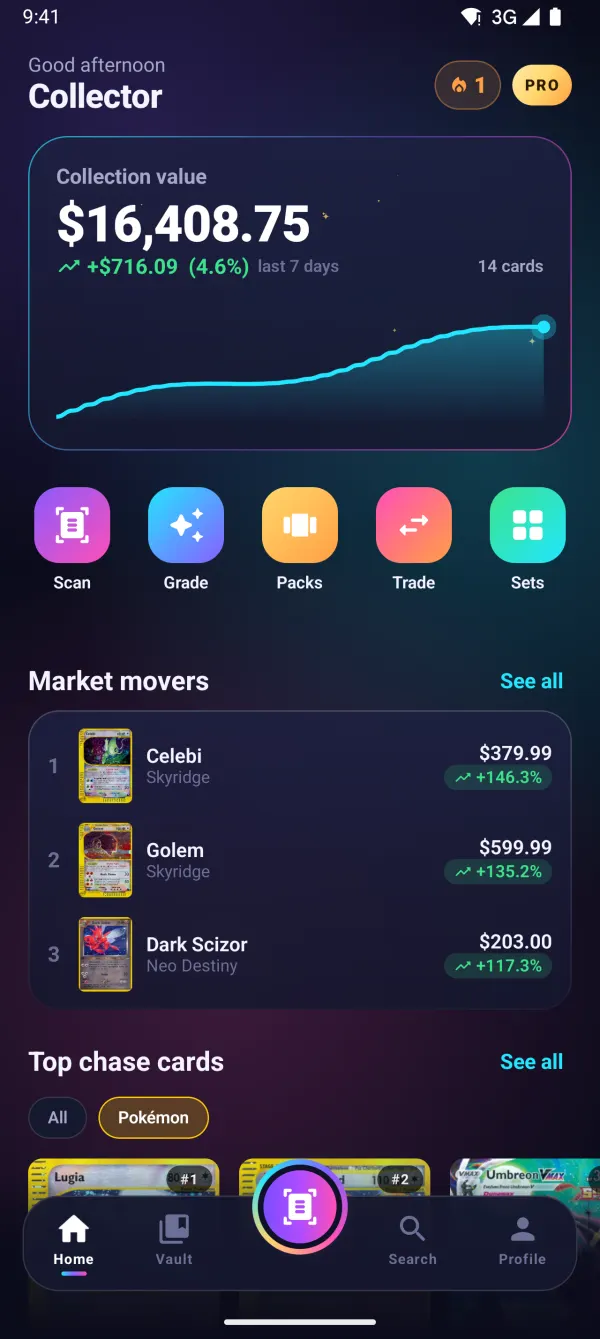
- Add it to your collection. Put it in a binder or on your wishlist and follow your set completion. The app adds up what everything is worth and shows its daily change.
If you are not sure which rarity or edition you have, our guide to Yu-Gi-Oh! rarities explains the foils, the 1st Edition text and the security foil, and how much are my Magic cards worth? covers set codes, foils and special versions in Magic.
Tips for a clean scan
- Light: soft, even light works best, such as daylight near a window or a ceiling light. A single lamp right above the card throws glare straight back at the camera. In a dark room, turn on the flash.
- Glare on foils: Ultra, Secret and Starlight Rares and foil Magic cards reflect light. A bright patch over the name or the code hides exactly the text the app needs, so tilt the card or the phone slightly until it goes away.
- Foil and embossed names: rainbow and gold names can be harder to read at some angles. If the result is wrong, change the angle a little and scan again.
- Sleeves and toploaders: a clean, thin sleeve is usually fine. Toploaders, magnetic cases and double sleeves add shiny layers, so angle them away from the light or take the card out.
- One card in the frame: with two cards in view, the scanner may read the wrong one.
- Plain background: lay the card on a flat, plain surface that contrasts with its border.
- Worn text: if the code is scratched or faded, check the result carefully, or find the card in its set on our Yu-Gi-Oh! hub or Magic hub.
Scan a whole box with batch mode
One card at a time is fine for a new pull. For a binder or a shoebox of old cards, switch to batch scanning, show the cards one after another and add them to your collection in one go. A few habits help:
- Sort the cards by game first, and if you can, by set.
- Keep a "done" pile apart from the "to scan" pile.
- Glance at each result as it comes in, so a wrong rarity or edition doesn't end up in your totals.
Where the prices come from
The app shows TCGplayer prices, the reference in the United States, and Cardmarket prices, the reference in Europe, updated daily, in USD, EUR, GBP, JPY and other currencies. Market movers show which cards are rising, and price alerts tell you when a card you follow moves. Our methodology page explains how prices are collected.
The price on screen is a market price for an ungraded copy, based on recent sales. A worn card sells for less, and a high-grade slab can sell for much more. To see what sits at the top of each market, read the most valuable Yu-Gi-Oh! cards and the most valuable Magic cards. Scanning Pokémon cards too? See how to scan Pokémon cards.
Frequently asked questions
Can I scan Yu-Gi-Oh! cards with my phone?
Yes. The Foilmon app recognises Yu-Gi-Oh! cards by reading the card's name and set code with your phone's camera, then shows TCGplayer and Cardmarket prices, updated daily.
Does the app work with Magic: The Gathering cards?
Yes. Magic cards are recognised by reading the name and the set number with the camera. Make sure the information line at the bottom left of the card is sharp and free of glare.
Why won't my foil card scan?
Usually because of glare over the name or the set code. Use soft light, tilt the card slightly and take it out of a toploader if the plastic reflects the light.
Do I need to take my cards out of their sleeves?
Not usually. A clean, thin sleeve is fine. Thick toploaders, magnetic cases and double sleeves can reflect light, so take the card out if the code is hard to read.
Is the Foilmon app free?
It is free to download, with an optional PRO subscription for the full features.
Sources
Related guides
 One Piece, Lorcana, Magic & Yu-Gi-Oh!Yu-Gi-Oh! card rarities explainedYu-Gi-Oh! card rarities explained: Super, Ultra, Secret, Ultimate, Ghost, Starlight and Quarter Century, plus how to read the set code and 1st Edition.
 One Piece, Lorcana, Magic & Yu-Gi-Oh!How much are my Magic: The Gathering cards worth?How much are your Magic: The Gathering cards worth? Find the exact printing, foil and version, check condition and compare real market prices.Scanning cardsHow to scan Pokémon cards with your phone and see their valueHow to scan Pokémon cards with your phone and see their value: step by step, tips for holos and sleeves, Japanese cards and batch-scanning a binder.Scanning cardsBest Pokémon card scanner app in 2026: a buyer's checklistHow to choose the best Pokémon card scanner app in 2026: accuracy, Japanese cards, price sources, graded values, batch scanning, offline use and privacy.