
One Piece, Lorcana, Magic & Yu-Gi-Oh!
How to scan One Piece cards with your phone
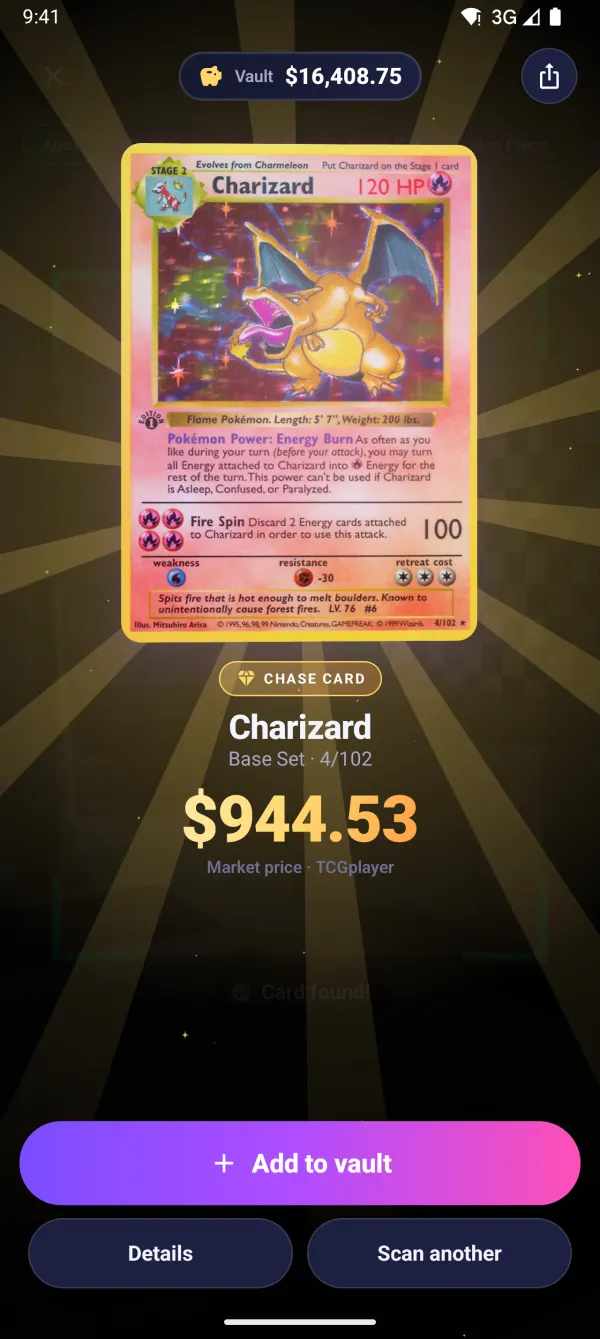
Open a card scanner app such as Foilmon, hold the card flat inside the frame in good light, and the camera recognises it from its artwork. Check the card number, pick the exact print if your card is a parallel, SP or Manga version, and you get its market price and a place in your collection. Here is the whole process, plus the tricks that make foils and sleeved cards scan cleanly.
What you need
A phone with a working rear camera, decent light and a scanner app. Foilmon is on Google Play and on the App Store, for iPhone and iPad. It is free to download, with an optional PRO subscription for the full feature set.
The app recognises One Piece cards from the camera by their artwork, the same way it recognises Pokémon cards in English and Japanese. Disney Lorcana, Magic: The Gathering and Yu-Gi-Oh! cards are recognised by reading the card's name and set number or code, so a mixed box of cards is not a problem.
Step by step: your first scan
- Open the scanner and allow the camera. The app needs camera access to see your cards.
- Fit the card inside the frame. Hold the phone above the card, parallel to it, so the card fills most of the frame. There is nothing to type: the card is identified from its artwork.
- Check the match. The result shows the card's name, set and number. Compare that number with the one in the bottom right corner of your card, for example OP05-119.
- Pick the version. One card number can exist as a normal print, a parallel, an SP, a Manga version, a reprint and several promos, each with its own price. If the result is not your exact print, choose the right one from the other matches the app suggests.
- Read the price. You see the TCGplayer market price of that print, updated daily.
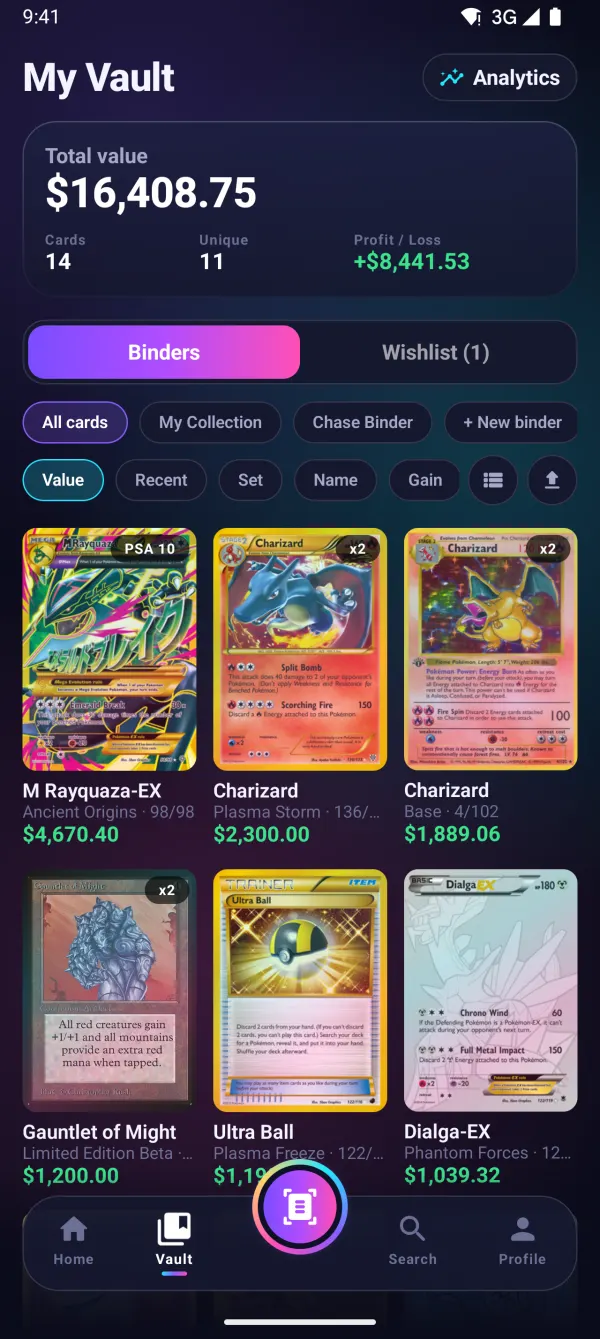
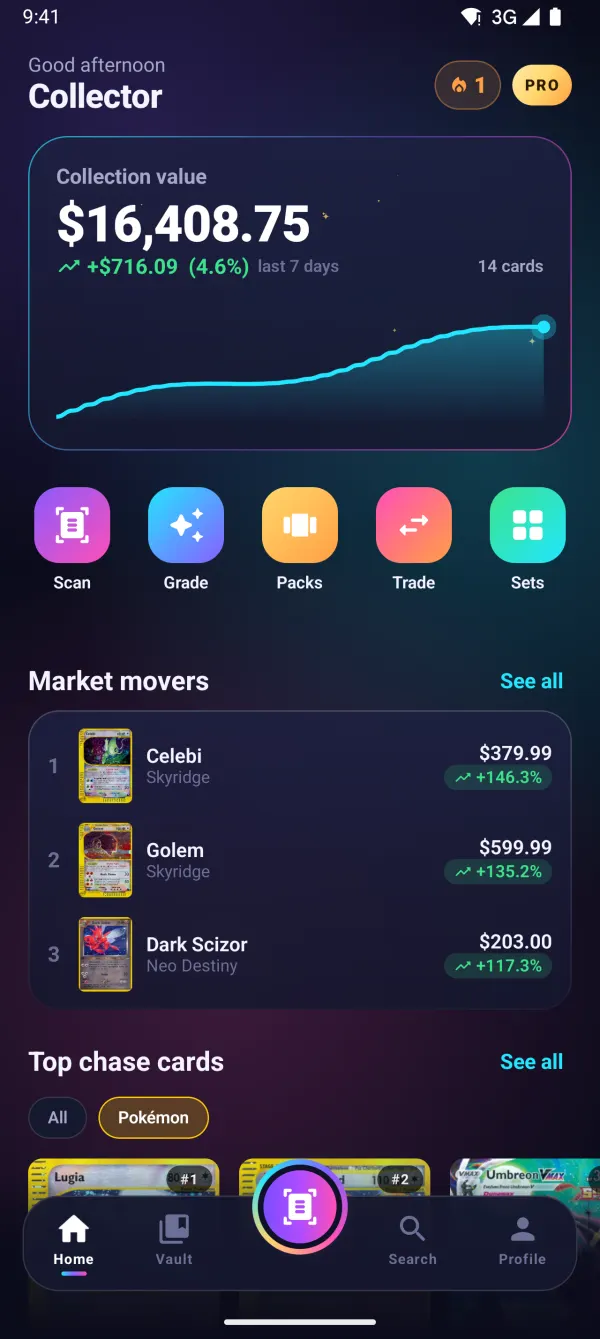
- Add it to your collection. Put it in a binder or on your wishlist. The app adds up the value of everything you own and shows its daily change.
Parallels, SP and Manga: make sure you have the right print
This is the step that matters most with One Piece. Parallels, SP and Manga cards have their own artwork, so the scanner can tell them apart from the normal print. Plain reprints are harder, because they reuse the original picture. Before you save a card, check it against these marks:
- A star above the rarity code marks a parallel (printed since Kingdoms of Intrigue, OP-04).
- An SP or TR mark next to the rarity identifies Special Rare and Treasure Rare cards.
- A background made of manga panels means a Manga Rare, which Bandai calls a super alternate art.
- A gold, silver or red treatment, a serial number or an event name in the title mark special versions and promos.
The gap between versions is rarely small. Two versions of Monkey.D.Luffy OP13-118 from Carrying On His Will show it: the Super Alternate Art sells for $2,208.62 and the red Super Alternate Art for no sales yet. Even a Rare is worth more as an alternate art, as Kouzuki Hiyori shows.
 Monkey.D.Luffy (118) (Super Alternate Art)Carrying On His Will · OP13-118$2,208.62
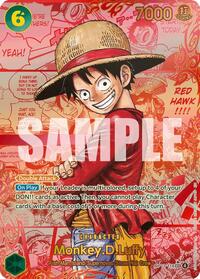 Monkey.D.Luffy (118) (Red Super Alternate Art)Carrying On His Will · OP13-118no sales yet
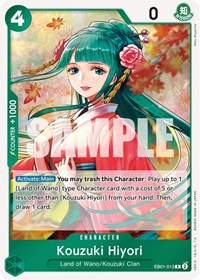 Kouzuki HiyoriExtra Booster: Memorial Collection · EB01-013$16.01
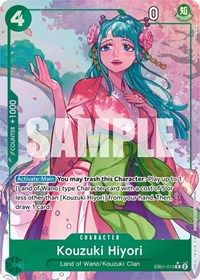 Kouzuki Hiyori (Alternate Art)Extra Booster: Memorial Collection · EB01-013$40.40
Our guide to One Piece card rarities explains every code and version in detail.
Scan a whole box with batch mode
One card at a time is fine for a fresh pull. For a binder, a deck box or a stack of packs you have just opened, use batch scanning: switch the scanner to batch mode, show the cards one after another and add them all to your collection in one go.
- Set aside the foils, parallels and Manga cards first and scan them one by one, checking the version each time. Batch the commons and uncommons afterwards.
- Work one binder page or one pile at a time, so you always know where you stopped.
- Keep the scanned pile apart from the pile still to scan.
- Glance at each result as it comes in, so a wrong version doesn't end up in your total.
Tips for a clean scan
- Light: soft, even light works best, such as daylight near a window or a ceiling light. Avoid a single lamp straight above the card.
- Glare on foils: Rares, Super Rares and Secret Rares are foil, and parallels and Manga cards catch a lot of light. If you see a white patch on the screen, tilt the card or the phone slightly until it goes away.
- Sleeves and toploaders: a clean, thin sleeve is usually fine. Toploaders and magnetic cases add a thicker, shinier layer, so angle them away from the light or take the card out.
- One card in the frame: if two cards are visible, the scanner may lock on the wrong one.
- Plain background: lay the card on a flat surface that contrasts with its border, such as a dark playmat.
- Steady hands, clean lens: a smudged lens or a moving phone causes most blurry results.
What the price on screen means
The price is the TCGplayer market price of an ungraded copy, based on recent sales. It is a guide, not an offer: a worn card sells for less and a graded one in top condition for more. Our methodology page explains where our prices come from, and the One Piece hub shows each set's most valuable cards and the latest price moves. For the very top of the market, read the most valuable One Piece cards right now.
The newest One Piece sets
- The Dominance of God (OP-18), out on November 20, 2026 in English and Japanese at the same time.
- Extra Booster: One Piece Heroines Edition Vol. 2 (EB-05), released on October 30, 2026.
- The World's Strongest Warriors (OP-17), the fourth anniversary set, released on August 28, 2026, and its Release Event Cards.
- The Time of Battle (OP-16), released on June 12, 2026.
Prices of new cards move a lot in their first weeks. Once a card is in your collection, its value is updated every day, so you can follow it without scanning it again.
Frequently asked questions
Can I scan One Piece cards with my phone?
Yes. Foilmon recognises One Piece cards from your phone's camera by their artwork and shows the card's name, set, number and TCGplayer market price, with nothing to type.
Does the scanner recognise parallels and Manga Rares?
Parallels, SP and Manga cards have their own artwork, so the scan can match them to the right print. Always compare the number, the rarity marks and the artwork with your card, and pick another version from the suggestions if needed.
Can I scan One Piece cards in sleeves?
A clean, thin sleeve usually works. Toploaders and magnetic cases reflect more light, so angle them away from the lamp or take the card out if the scan doesn't lock on.
Which price does the app show for One Piece cards?
The TCGplayer market price of the exact print you selected, updated daily. Your collection screen adds up the value of all your cards and shows its daily change.
Is the Foilmon app free?
It is free to download, with an optional PRO subscription for the full feature set.
Sources
Related guides
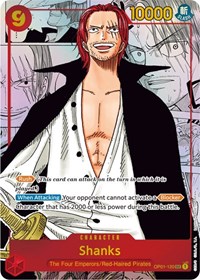 One Piece, Lorcana, Magic & Yu-Gi-Oh!One Piece card rarities explainedOne Piece card rarities explained: C, UC, R, SR, SEC, L, SP, TR and promos, plus parallels and Manga Rares, and how to identify and price your exact card.
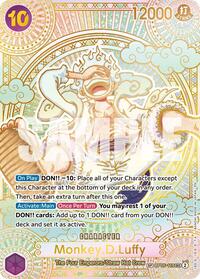 One Piece, Lorcana, Magic & Yu-Gi-Oh!The most valuable One Piece cards right nowThe most valuable One Piece cards right now, ranked by TCGplayer market price and updated daily: Manga Rares, Super Alternate Arts, SP cards and promos.Scanning cardsHow to scan Pokémon cards with your phone and see their valueHow to scan Pokémon cards with your phone and see their value: step by step, tips for holos and sleeves, Japanese cards and batch-scanning a binder.
 Scanning cardsBest Pokémon card scanner app in 2026: a buyer's checklistHow to choose the best Pokémon card scanner app in 2026: accuracy, Japanese cards, price sources, graded values, batch scanning, offline use and privacy.